Know what's happening in your shop.
Record sales, track stock, and understand how the business is doing. Choose which items to share with nearby customers.
Manage your shop and your public listings Open Tazamia

Tazamia connects shops, service providers, and nearby customers. Businesses manage their work and choose what to list; customers discover local goods and services and track their spending.
Coming soon · Concept illustration
Makazi is being built to help landlords present available homes and help people looking for a place discover them. Useful listings come first.
Learn about Makazi
Coming soon · Concept illustration
Ohm is being developed for manufacturers that want to identify possible equipment failures sooner and plan maintenance with better information.
Learn about OhmPractical software for real work.
Built around the people who use it.
01 / Tazamia · Available now
Tazamia serves the people running shops and services, and the people looking for them nearby.
See how it connectsRecord sales, track stock, and understand how the business is doing. Choose which items to share with nearby customers.
Manage your shop and your public listingsDiscover goods and services listed by nearby businesses, and see your spending in one place.
Discover locally and follow your spendingShare the services you offer and use business tracking tools suited to the way you work.
List services and manage the business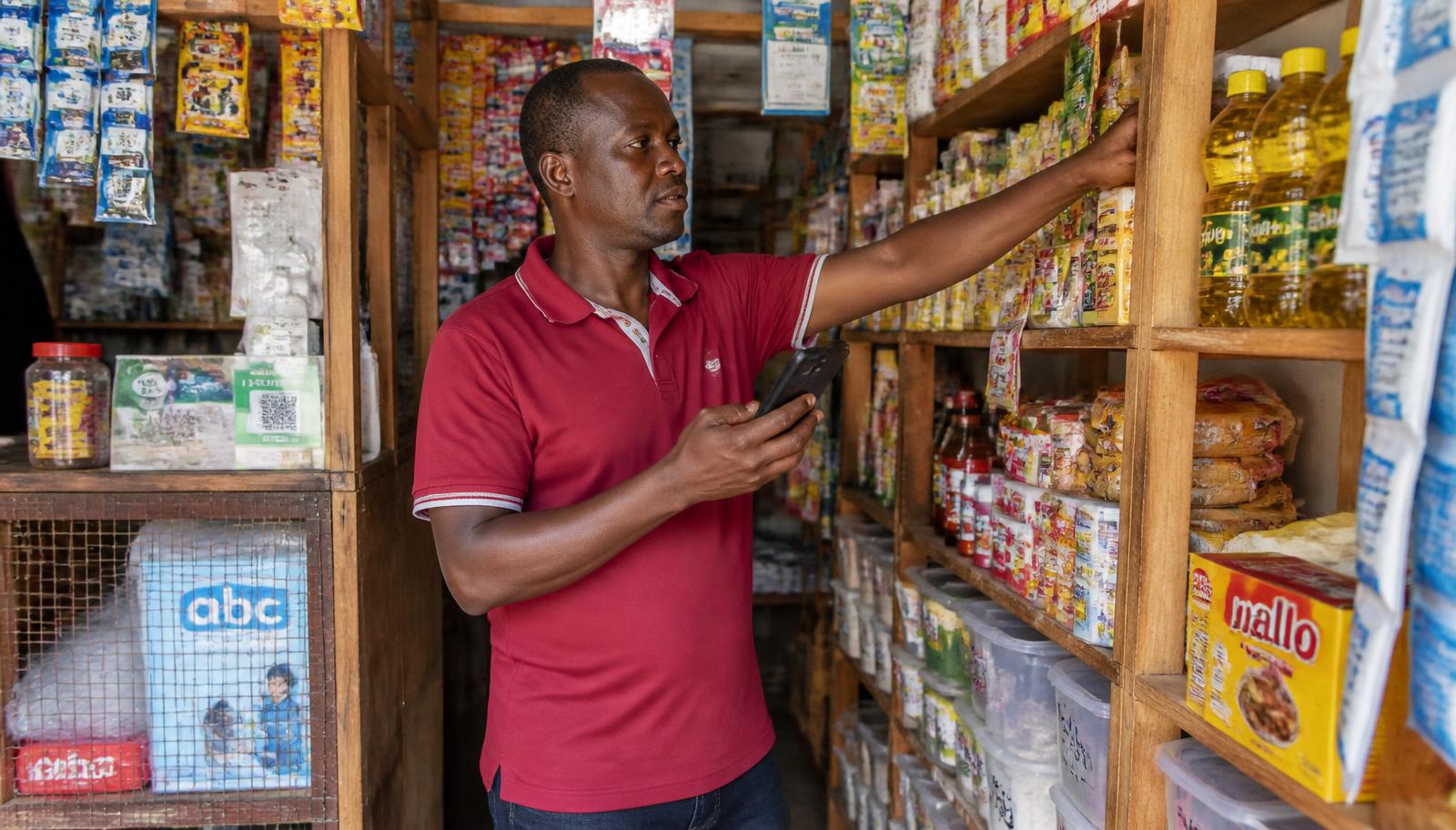
How Tazamia connects people
Private sales and stock records help a business stay organized. A business chooses which goods or services to show in the local marketplace. Customers can explore those listings and keep track of their spending.
Using Tazamia
Corvis explains the product here. The Tazamia account page is where you register or sign in; business plan selection comes after registration.
Compare merchant plansRun a shop, offer a service, or explore what nearby businesses have chosen to list.
Open Tazamia in your browser. Business users choose a plan after registering; the merchant plans are shown below so you can compare them first.
Businesses can manage their records and public listings. Customers can discover nearby listings and follow their spending.
Real Tazamia screens or a short walkthrough will be added here. This is a content slot, not a representation of the app interface.
Tazamia / Merchant plans
Start with Duka for free, or try a paid plan for 14 days. You create an account first and choose your plan inside Tazamia.
Before launch: Confirm these inherited prices, plan features, and trial terms against the Tazamia product. Customer and service-provider plans are not represented here.
Record everyday sales and keep a simple count of stock.
Profit analytics and the debt ledger are not included.
Get startedSee profit, follow up customer debt, and keep the counter accountable.
14-day trial of paid features
Get startedMore insight and controls for owners managing a busier shop.
14-day trial of paid features
Get startedGet Tazamia
These are two separate choices. The web button opens the Tazamia account page; the Android button downloads an APK file.
Before you begin
Clear answers about access, support, and data are part of deciding whether Tazamia fits your work.
Entering stock for your own records does not automatically list it publicly. Your business chooses what goods or services to show nearby.
Merchant sales can be recorded on the device and synced after the connection returns. Keep the app's data until sync completes.
Contact: info@corvisafrica.com. Support hours, export, backup, and cancellation details will be added before launch.
No. The browser version opens from the web account link above. The APK is an optional Android installation.
After you register or sign in. The merchant plans and their included features are shown above so you can compare them first.
No. A business chooses which goods or services to show in the local marketplace.
Details to confirm before launch: which features remain, whether the account moves to Duka, and when payment is requested.
Email info@corvisafrica.com. Support hours and any additional help channels will be added before launch.
02 / Makazi · Coming soon
Makazi is being built around two connected tasks: landlords presenting useful vacancy information and people looking for a place finding it.
Concept illustrationShare available units and keep track of interest and rent information. Useful listings are the first step toward helping people find a home.
Discover vacancies and see the information needed to decide whether to inquire. Tenants should not need a new app merely to make an ordinary M-Pesa rent payment.
Makazi is in development. Listings, a launch date, and a signup route are not available on this site yet.
03 / Ohm · Coming soon
Ohm is being developed for manufacturers and maintenance teams that need better information about potential equipment trouble.
Concept illustrationWhen a machine fails without warning, teams lose time to disruption and urgent repairs.
Ohm aims to highlight possible failures sooner so teams can investigate and plan maintenance. It cannot guarantee that every breakdown will be prevented.
Ohm is in development. Its exact workflow, supported equipment, release date, and signup route will be added when confirmed.